
Many of you asked for a way to let consultants help monitor wind lidar campaigns and to give customers a clearer view of their sites. We heard you loud and clear.
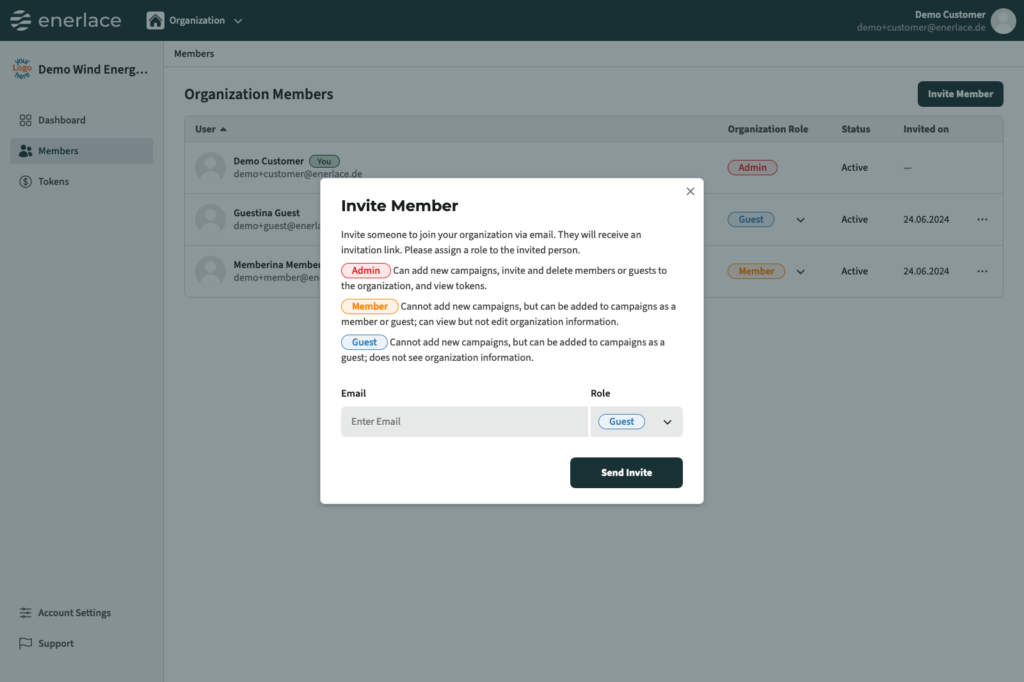
With Moli’s new organisations feature, you can manage who works with you and what they can see.
How to set up an organisation in Moli
Step 1:
Add people to your organisation
Just enter the email of the person you want to collaborate with and assign their role: admin, member, or guest. Our system sends out the invitations and adds them to your organisation.
Step 2:
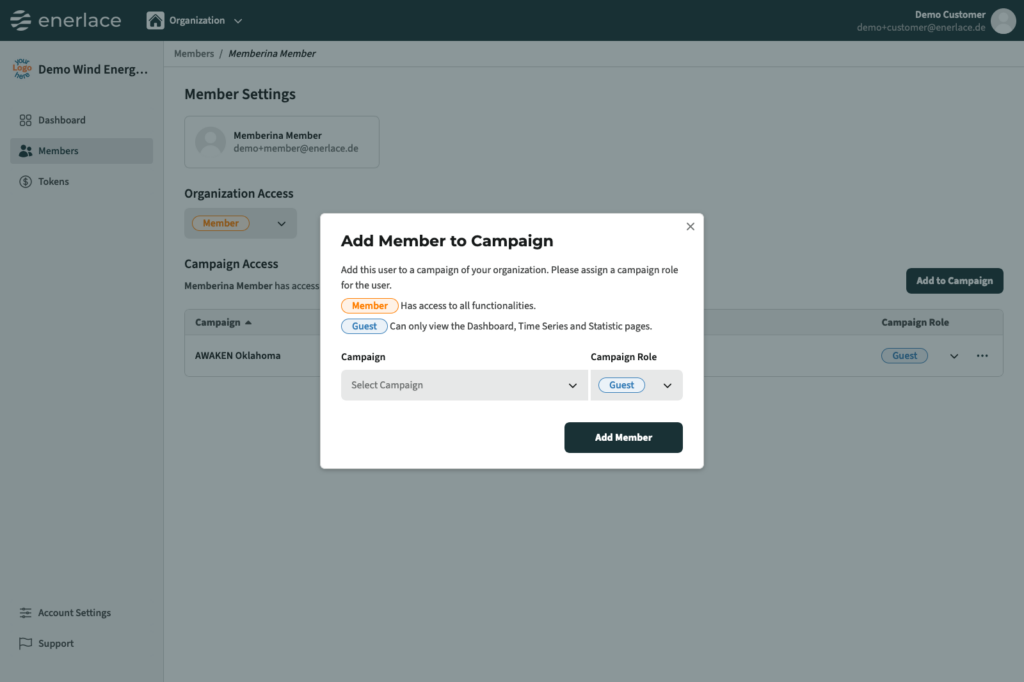
Add people from your organisation to your campaigns
Just add the person to your campaign and assign them a role for that campaign.
Step 3:
Collaborate
That’s it; all done!
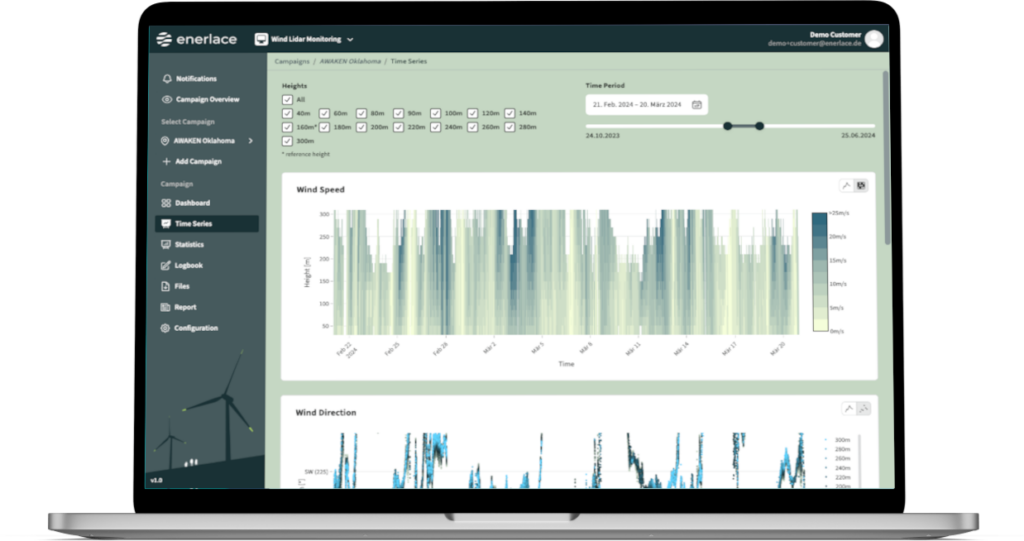
Simplify your wind lidar monitoring
Don’t take our word for how easy it is to use Moli – test it for free!